Claude Obsidian · AI 第二大脑
 VibeMySpace 精选@vibemyspace-curated
编辑介绍
把个人输入整理为用户自己持有的长期第二大脑。
AI 用途:Claude 自动读取、链接并归档资料到 Markdown 知识图谱。
使用方式:主流程接用户自己的 Claude Code;实验支持 Codex CLI、Gemini CLI、Cursor、Windsurf、Goose,并可选 Ollama rerank 与 Anthropic API contextual prefix。
原帖正文
claude-obsidian: Self-Organizing AI Second Brain for Obsidian + Claude Code
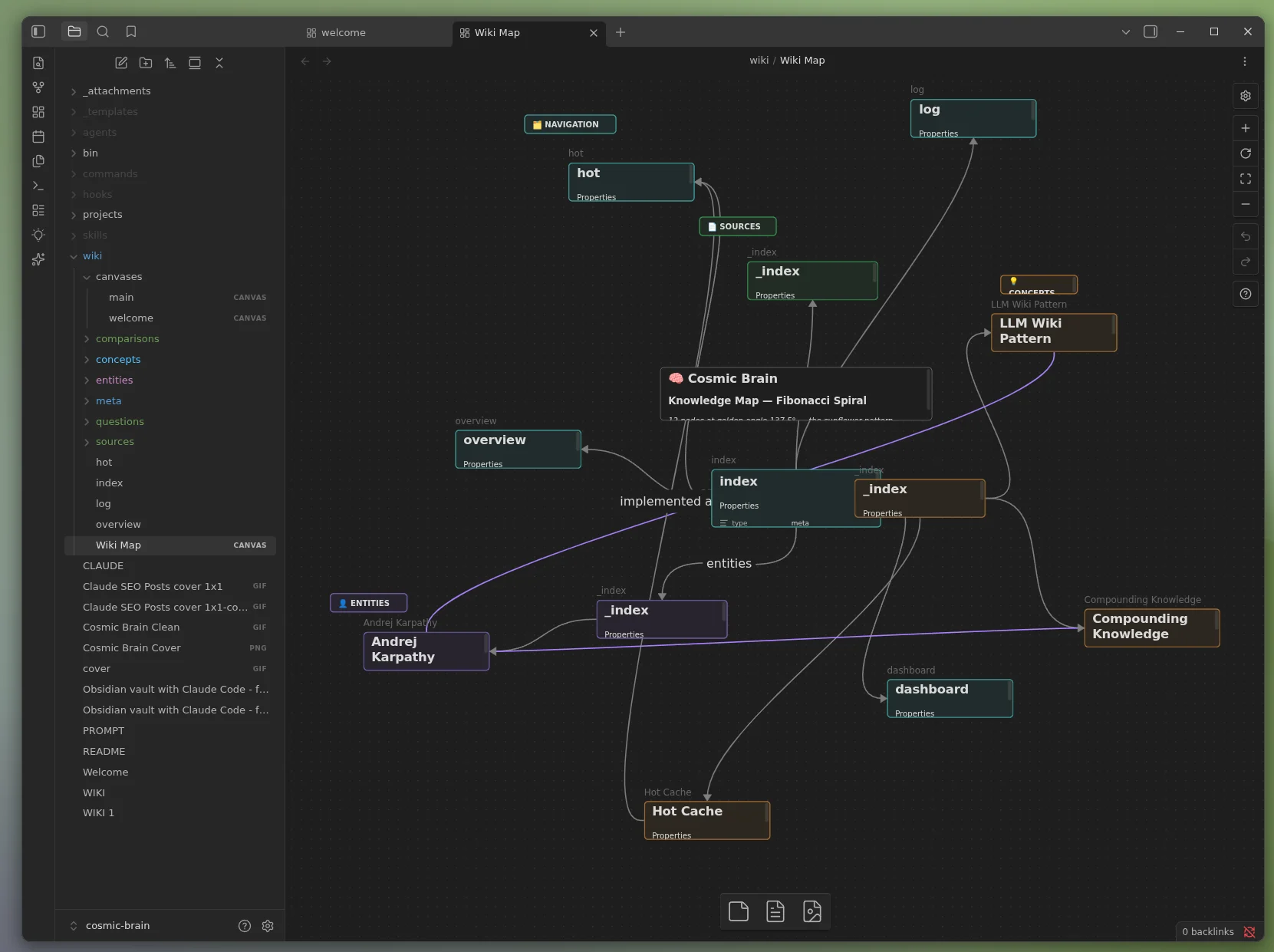
Claude + Obsidian knowledge companion and self-organizing AI second brain. A running AI notetaker that builds and maintains a persistent, compounding wiki vault. Every source you add gets integrated. Every question you ask pulls from everything that has been read. Knowledge compounds like interest.
Open-source Obsidian AI plugin for AI note-taking, personal knowledge management (PKM), second-brain workflows, and a private Notion alternative. 15 Claude Code skills, multi-agent support, multi-writer safe (v1.7+), first-class methodology modes (LYT / PARA / Zettelkasten / Generic via v1.8), and the 10-principle thinking framework (v1.9). Based on Andrej Karpathy's LLM Wiki pattern.
Two ways to get this skill. Pick the one that fits how you work.
- 🌐 Public open-source build (latest:
v1.9.2, recommended): the free, MIT-licensed release on Daniel Agrici's GitHub. Open to anyone, no membership required. Ships everything: v1.7 Compound Vault, v1.8 methodology modes, and the v1.9 thinking framework plus audit hardening.- ⚡ AI Marketing Hub Pro: the same MIT-licensed core, plus earliest access to in-development features before they land here, direct collaboration, and the Pro community. Pro members install from the AI Marketing Hub org mirror (swap note under Option 2 below).
✨ v1.7 "Compound Vault" refoundation: Obsidian CLI as default transport, hybrid retrieval (contextual prefix + BM25 + cosine rerank per Anthropic's Sept 2024 research), per-file advisory locking that closes a latent multi-writer corruption hole, and substrate alignment with kepano/obsidian-skills. Full guide: docs/compound-vault-guide.md. Optional DragonScale Memory extension (log folds, deterministic page addresses, semantic tiling lint, boundary-first autoresearch).
Contents
- What It Does
- Why claude-obsidian?
- Quick Start
- Commands
- Methodology Modes (v1.8+)
- Vault Use Cases (v1.0+)
- Cross-Project Knowledge Base
- What Gets Created
- Architecture
- MCP Setup (Optional)
- Plugins
- CSS Snippets
- Banner Plugin
- File Structure
- AutoResearch Configuration
- Seed Vault
- Companion: claude-canvas
- FAQ
- Requirements
- Uninstall
- Contributing
- Related Projects
- Community
- License
What It Does
YouTube Demo
You drop sources. Claude reads them, extracts entities and concepts, updates cross-references, and files everything into a structured Obsidian vault. The wiki gets richer with every ingest.
You ask questions. Claude reads the hot cache (recent context), scans the index, drills into relevant pages, and synthesizes an answer. It cites specific wiki pages, not training data.
You lint. Claude finds orphans, dead links, stale claims, and missing cross-references. Your wiki stays healthy without manual cleanup.
At the end of every session, Claude updates a hot cache. The next session starts with full recent context, no recap needed.
Why claude-obsidian?
Most Obsidian AI plugins are chat interfaces. They answer questions about your existing notes. claude-obsidian is a knowledge engine. It creates, organizes, maintains, and evolves your notes autonomously.
| Capability | claude-obsidian | Smart Connections | Copilot |
|---|---|---|---|
| Auto-organize notes | ✅ Creates entities, concepts, cross-references | ❌ | ❌ |
| Contradiction flagging | ✅ [!contradiction] callouts with sources | ❌ | ❌ |
| Session memory | ✅ Hot cache persists between conversations | ❌ | ❌ |
| Vault maintenance | ✅ 8-category lint (orphans, dead links, gaps) | ❌ | ❌ |
| Autonomous research | ✅ 3-round web research with gap-filling | ❌ | ❌ |
| Methodology modes | ✅ LYT / PARA / Zettelkasten / Generic (first-class) | ❌ | ❌ |
| Thinking framework | ✅ 10-principle loop as invocable skill | ❌ | ❌ |
| Multi-model support | ✅ Claude, Gemini, Codex, Cursor, Windsurf | ❌ Claude only | ✅ Multiple |
| Visual canvas | ✅ Via claude-canvas | ❌ | ❌ |
| Multi-writer safe | ✅ Per-file advisory locks (v1.7+) | ❌ | ❌ |
| Query with citations | ✅ Cites specific wiki pages | ✅ Cites similar notes | ✅ Cites notes |
| Batch ingestion | ✅ Parallel agents for multiple sources | ❌ | ❌ |
| Open source | ✅ MIT | ✅ MIT | ⚠️ Freemium |
📖 Deep dive: I Turned Obsidian Into a Self-Organizing AI Brain. Full breakdown with data visualizations, market context, and workflow demos.
Quick Start
ℹ️ The commands below install the public open-source build from
AgriciDaniel/claude-obsidian(recommended, no membership needed). AI Marketing Hub Pro members who want early access to in-development features can swapAgriciDaniel/claude-obsidianforAI-Marketing-Hub/claude-obsidian(Option 2 also swaps the plugin slug; see the note under that option).
Option 1: Clone as vault (recommended, full setup in 2 minutes)
git clone https://github.com/AgriciDaniel/claude-obsidian
cd claude-obsidian
bash bin/setup-vault.sh
Open the folder in Obsidian: Manage Vaults → Open folder as vault → select claude-obsidian/.
Open Claude Code in the same folder. Type /wiki.
ℹ️
setup-vault.shconfiguresgraph.json(filter + colors),app.json(excludes plugin dirs), andappearance.json(enables CSS). Run it once before the first Obsidian open. You get the fully pre-configured graph view, color scheme, and wiki structure out of the box.
Option 2: Install as Claude Code plugin
Plugin installation is a two-step process. First add the marketplace catalog, then install the plugin from it.
ℹ️ Which version are you installing?
- Public (recommended, no membership): the commands below install the free, MIT-licensed release from
AgriciDaniel/claude-obsidian. Nothing to sign up for.- AI Marketing Hub Pro member? For early access to in-development features, swap
AgriciDaniel/claude-obsidianforAI-Marketing-Hub/claude-obsidianand the plugin slugclaude-obsidian@agricidaniel-claude-obsidianforclaude-obsidian@ai-marketing-hub-claude-obsidian. The org mirror re
来源与作者
- 原作者:Agrici Daniel (@AgriciDaniel)
- 发布平台:GitHub
- 原帖:查看原帖
- 权利说明:VibeMySpace 仅作带来源的整理展示,内容与图片权利归原作者。
开源信息
已开源。